
















Why Should Your Website Have the Latest Updates?
In this post, I’ll explain why it’s important for your website to have the latest updates from the platform vendor. Most of my examples and
Continue ReadingEmpower your business by partnering with a firm that can handle just about any web project imaginable – from beautiful business websites to web-based software and databases. You need a team of highly-skilled coders and designers, ready to help bring your business idea to a success. Consider us your go-to people.
Also, to serve you even better, we’ve recently acquired Chico website design. Chico Web Design creates powerful brand identities through effective graphic design.


We’ve developed impressive software solutions for our clients, ranging from web app project management for transportation agencies to reporting and geo-mapping for water flow in canals, weather apps, vacation rental management software, and more. Our expertise in designing and coding unique web applications has helped numerous customers. Whether it’s out-of-the-box implementations or custom development, we have the capabilities to handle diverse projects. This includes complex ones that require meticulous planning, project management, quality assurance, and collaboration among our skilled team. Simply reach out to us and let us know what you need!
Your website should be more than just engaging and amazing—it should work seamlessly for your business. At SiteHatchery, we understand the pain points within your industry, and that’s why we provide innovative and carefully crafted website solutions. We recognize that every brand is unique, so a one-size-fits-all approach won’t cut it. Our team will conduct a thorough review of your industry, target market, and company to tailor a customized solution that perfectly suits your needs.

Kristen Staggs , Bohn Armor
I would highly recommend SiteHatchery. Jason took the time to sit down with us and get a better idea of what our needs are. I will continue to use SiteHatchery for the rest of my career.
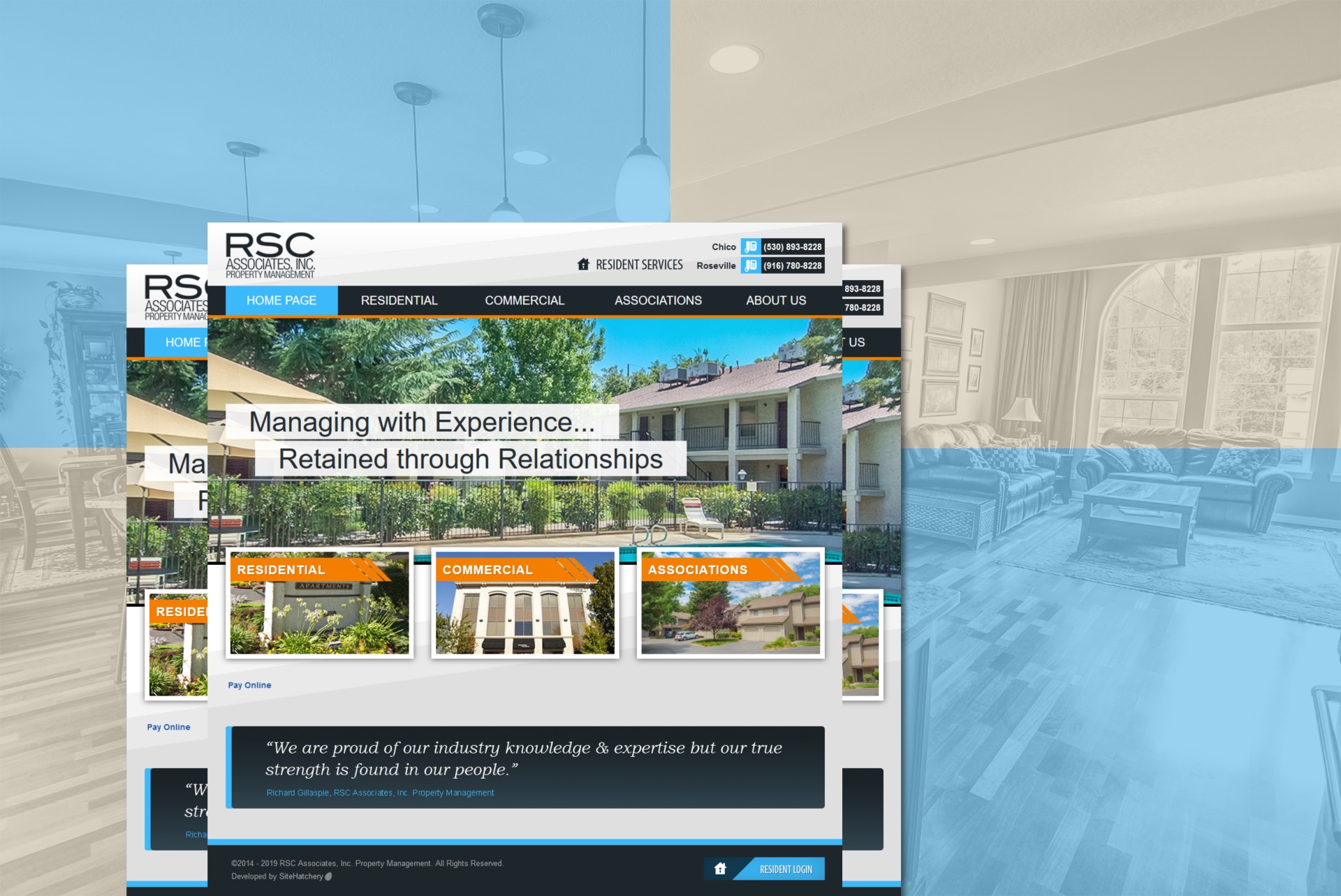
MSC , Property Management
Using a professional website management company is kind of like having a great accountant. You don’t realize how valuable the service is until you experience the results in revenue and savings that you didn’t even know you were missing with cheap canned services. It seems expensive until you realize its a bargain at any price. SiteHatchery is probably the best in town.
Michael Nevins
This company must be doing something right! I was attending Butte college working towards my business degree back in 2011. They asked the class for input about their logo. They used the best one and here they are 7 years later going strong!!! In this day and age we all know how difficult it is to keep a business going let alone profitable! Let them do the same for your company!!!
Johnathan Miller
My organization had used Jason many years ago to do our website and when we were ready for an update we decided to use his service again. They did a great job. We had a lot of things we wanted but a set budget to work with. He worked with us to ensure that we got all the features we wanted, with the design we wanted, all while staying in our budget. He was very responsive during the design phase and answered all our questions promptly. He continues to respond quickly to our questions and are even helpful (and patient!) with us when we mess something up. I highly recommend Jason for any website design or re-vamp.
Shannon S. of ACFAOM , Bethesda, MD
I’ve used Jason at SiteHatchery for nearly 10 years now. Alway professional and there when I need him.
Denise W. of Society for California Archaeology , Chico, CA
I think you have done a fabulous job on our website. And, not only that, you actually speak like a normal person (!), so those of us who haven’t cut our teeth on “computer-eze” (translation: old farts) can actually understand you. It’s such a welcome difference from what we’ve dealt with in the past.
Dee C. of csiFoodPro , San Francisco, CA
SiteHatchery did an excellent job designing my new blog: The eBay Life. I wanted to improve the look and functionality of my site in order to take my blog to the next level. Jason and his team designed a site that’s clean and easy to use. It’s exactly what I had in mind. They answered my emails in a timely manner and were available to fix any problems I was having with the new blog. I will definitely be using them in the future!
Miriam O. of The Ebay Life Blog , Chico, CA

In this post, I’ll explain why it’s important for your website to have the latest updates from the platform vendor. Most of my examples and
Continue Reading
From Likes to Leads: Strategies for Business Growth on Facebook and Instagram. Here are 7 tips for advertising on these platforms: 1. Utilize Facebook and
Continue Reading
With the majority of users accessing websites through portable devices, it’s crucial to ensure your site is optimized for all screen sizes.
Continue Reading
We have been using Sitehatchery for many years for the design, maintenance and upkeep of our eCommerce website. We could not be happier! They are reliable, efficient, honest and fast, a real rarity these days.
Due to the many issues that websites can face when it comes to updates and hacking, we opted to use the monthly website maintenance plan that Sitehatchery offers as part of the upkeep of our website. It is a HUGE sigh of relief that we know our plugins and automatic updates are taken care of in a timely manner and we no longer have to worry about hackers, worms and other vicious malware that can take over a website. We just pay our monthly fee and Sitehatchery does it all for us. We could not be happier.